

🚀 QuickFollowz Premium Feature – Boost Order Button
The Boost Order button is a powerful Premium Booster tool designed to increase the speed and priority of your active orders (followers, likes, views, etc.) on QuickFollowz. When used, it triggers our advanced delivery system for higher priority of your request in the queue.
🏅 Available only to QuickFollowz Premium Booster users.
✨ What Does the Boost Order Button Do?
-
Speeds up delivery of eligible pending orders
-
Prioritizes your request in the delivery queue
-
Reduces typical wait time by up to 2x faster
-
Helps ensure timely completion of time-sensitive campaigns
📍 Where to Find It
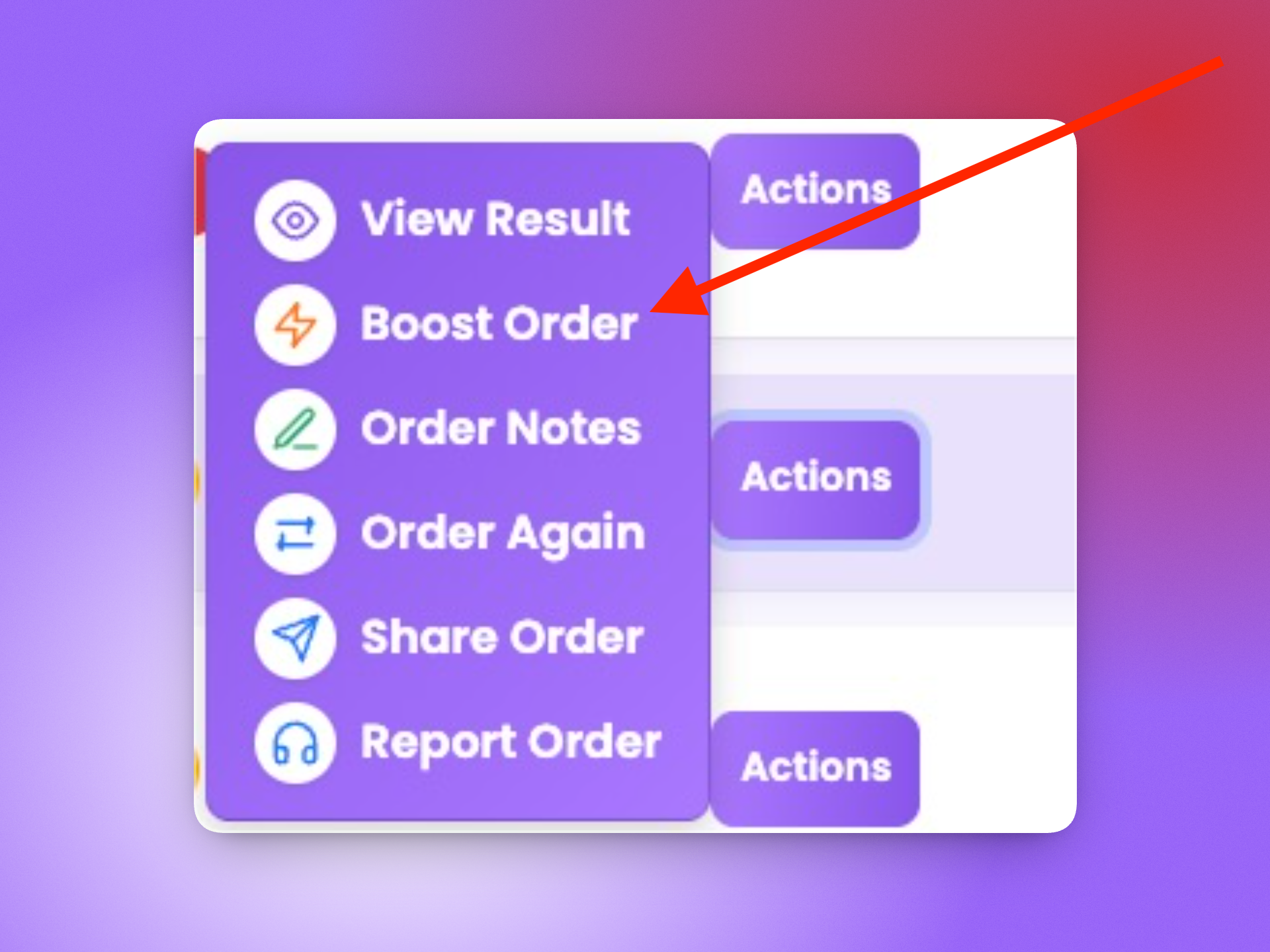
Once you’re subscribed to Premium Booster, the “Boost Order” button will appear next to any eligible orders inside your Order History or Pending/Processing/In Progress Orders. The button should look like this:
🧠 How It Works
-
Login to your QuickFollowz Booster account.
-
Navigate to your “My Orders” and then click the Pending orders list.
-
Click the "Actions" button next to the order you want prioritized.
-
Select "Boost Order" from dropdown and a preview will pop up. Make sure you have enough Booster Points to pay for speed up.
-
The order will be re-queued to a priority lane and processed faster.
✅ Tips for Best Use
-
Use Boost on urgent or time-bound orders
-
You can only boost one at a time and cannot proceed with multiple orders in one boost.
-
Not all services support boosting — eligible ones will show the button
🔒 Boost Button Eligibility
The button is only visible if:
-
You have an active Premium Booster subscription
-
The order status is pending, processing, or in-progress
-
The specific service supports boost prioritization
❓ Need Help?
If your Boost Order button isn’t working or isn’t appearing, please contact our support team via Report A Problem.
Boost smarter, not harder. Let your orders fly with Premium Booster 🚀